logo

Free Background Remover for Fast, Flawless Results

Unleash creativity with flawless Background Remove.

or drop a file

No image? Try one of these:

Example 1
Example 1
Example 1
Example 1
home_cover

Get a Clean Background in Three Simple Moves

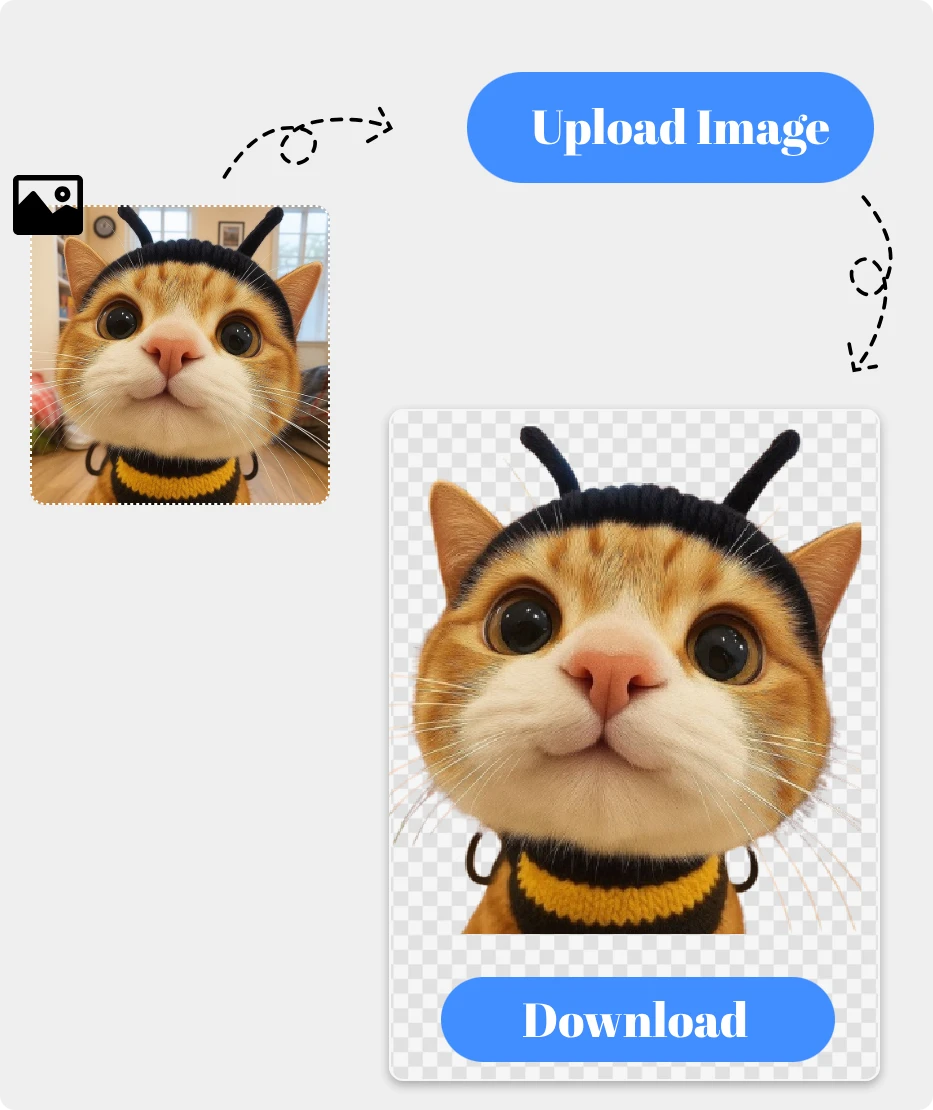
1. Select Photo.

For the cleanest cutout, start with a photo where the subject has clear edges and no major visual overlaps.

2. Remove Background.

Let our Background Remove AI erase the background instantly — no tools, no manual work needed.

3. Download Transparent Image.

Save your new PNG with a transparent background, ready for designs, product pages, social posts, or any creative use you need.

Upload Your Image

Everyday Uses for a Clearer Image

People

People

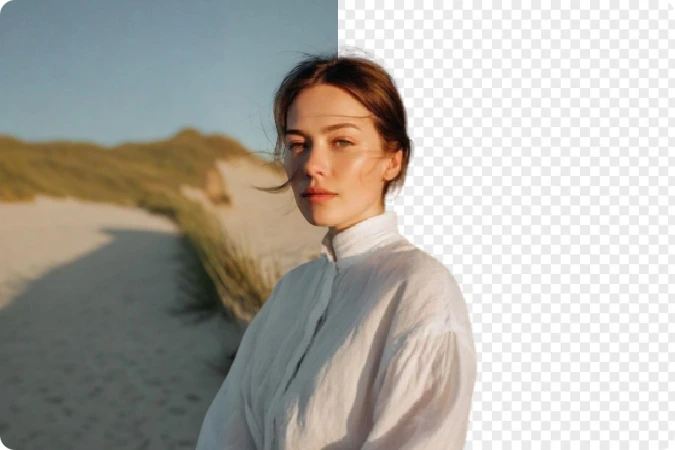
Get clean cutouts of portraits, selfies, or group photos. Perfect for profile pictures, ID-style images, social posts, and creative edits where you need the subject to stand out.
Cars

Cars

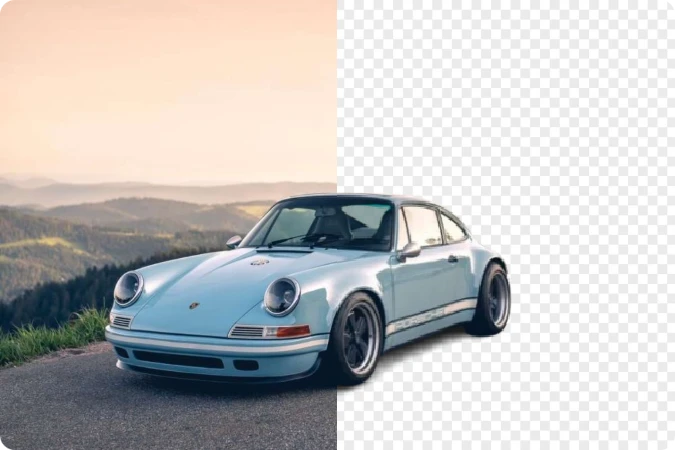
Remove busy environments from vehicle photos in seconds. Ideal for car listings, showrooms, dealerships, and marketing materials that require a clean, distraction-free background.
Stickers

Stickers

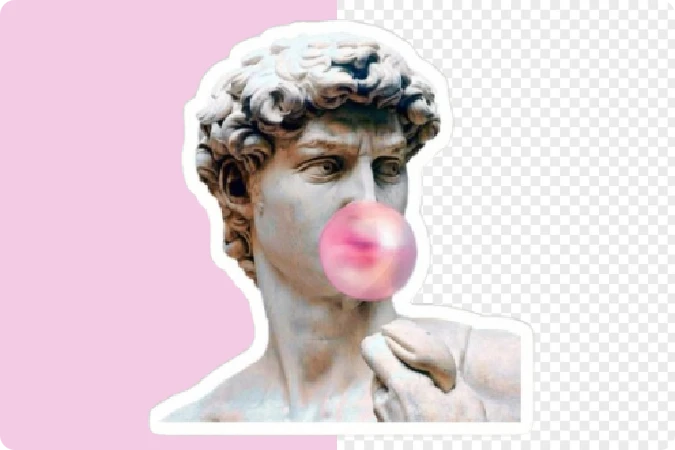
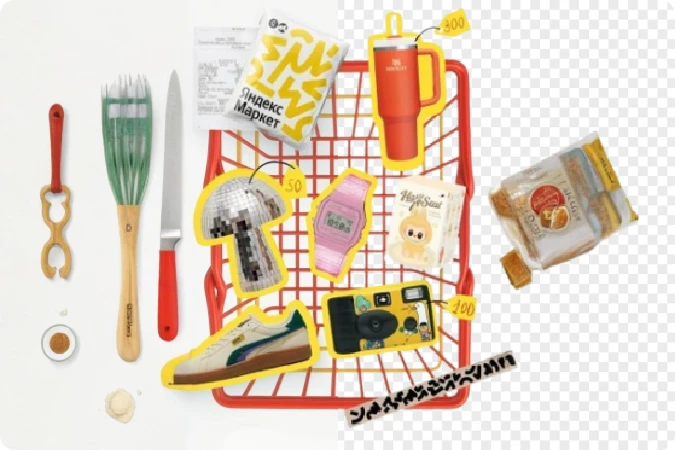
Turn any object or character into a ready-to-use sticker. Instantly remove the background to create PNG stickers for chat apps, social media, and design projects.
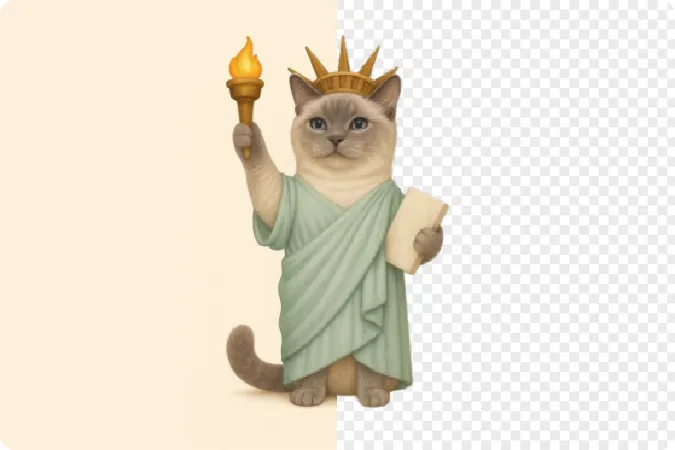
Animal

Animal

Extract pets or wildlife with precision, even around fur. Great for pet shops, ads, social content, or custom artwork where clean subject isolation matters.
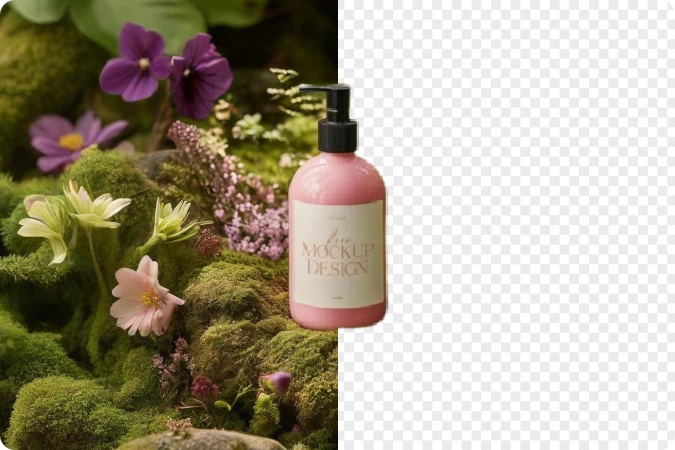
Products

Products

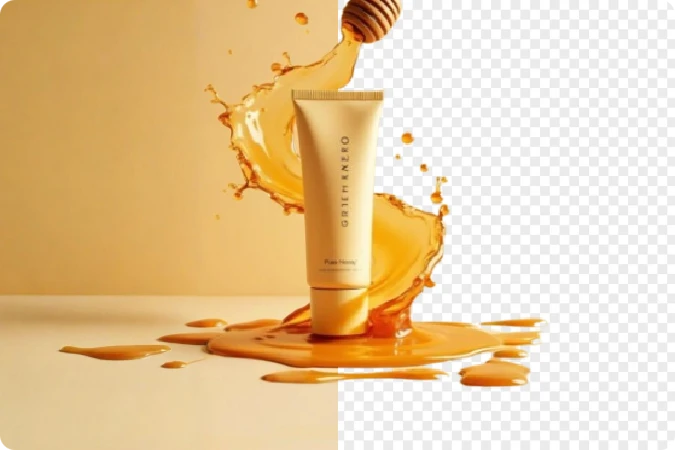
Create clean, studio-quality product images for e-commerce, catalogs, ads, and social selling. No manual editing is needed — just upload and get a polished result.
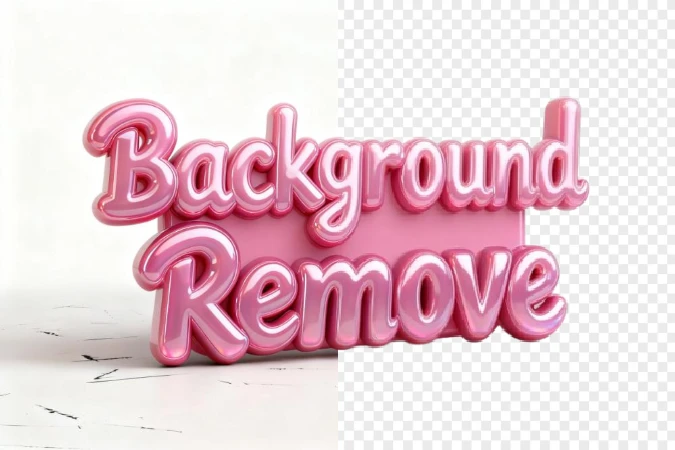
Graphics

Graphics

Remove backgrounds from logos, icons, drawings, or illustrations. Ideal for branding, presentations, web design, and any project that needs a clean transparent asset.

Where Clean Design Begins: AI Background Remove

Magic Erase, Real Results

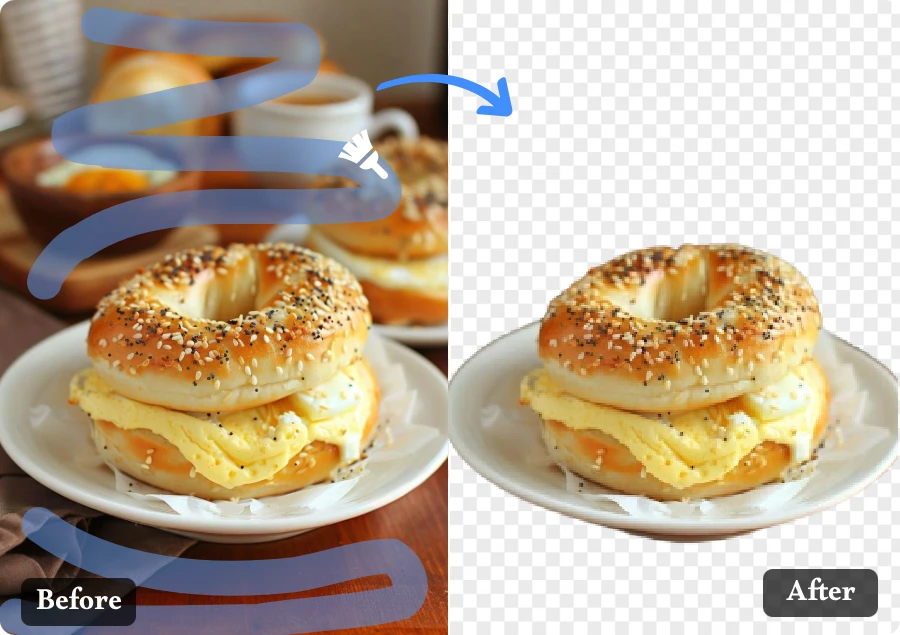
Transform any photo in seconds with Background Erase. Get a flawless transparent image that’s clean, professional, and ready for any creative use — no tools, no hassle, just pure visual magic.

Magic Erase, Real Results

Clean Backgrounds, Zero Effort

Upload once, and let the system handle everything. It delivers a precise, crisp cutout instantly — perfect for designers, sellers, and creators who want clarity without effort.
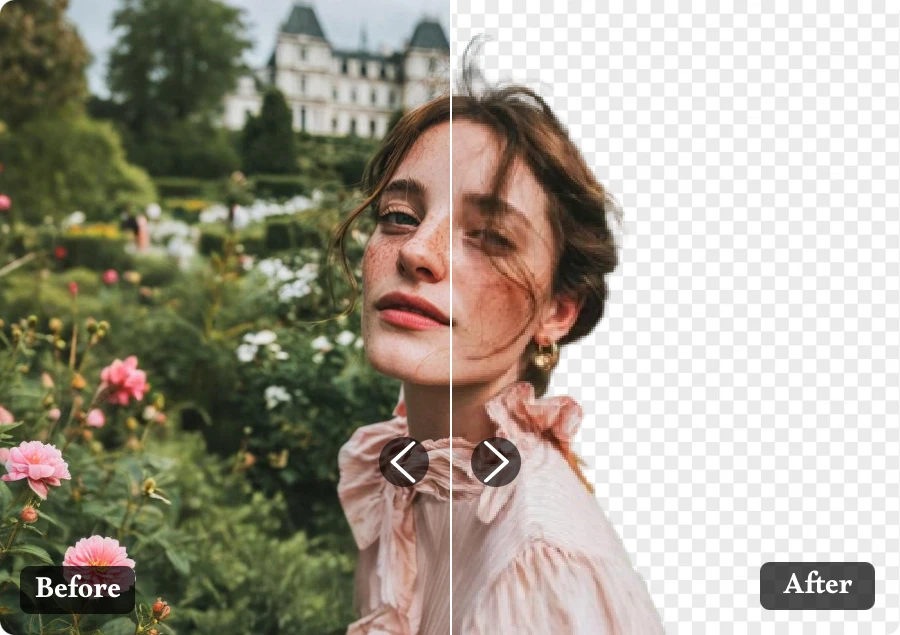
Background Remove, Meet Simplicity

Your Image, Crystal Clear

With intelligent background clean-up, distractions vanish. Produce beautifully isolated subjects that shine — ideal for products, portraits, and every stunning visual story you want to tell.
Your Image, Crystal Clear

Why You’ll Love Our Background Remove

Perfect for Any Use

  • From e-commerce to design mockups, the tool adapts to every need, delivering ready-to-use cutouts that fit perfectly in any setting.

No Quality Loss

  • Even high-resolution photos stay crisp. Every pixel remains sharp, delivering studio-ready cutout images every time.

Smart Edge Refinement

  • Forget jagged borders. The intelligent edge engine softens outlines for a natural, professional finish that rivals manual retouching.

AI That Understands Details

  • Hair, shadows, fine edges — the system picks up every subtle element. You get natural-looking background-free images that feel real, not cut out.

Built for Creators and Businesses

  • From photographers to online sellers, everyone can achieve pro-level visuals — the tool turns creative ideas into polished results.

Works with Any Background

  • Whether it’s complex scenery or solid color, the subject is isolated flawlessly, letting you export clean transparent images instantly.

Real Stories Behind Every Transparent Image

Daniel Kim
"

As a portrait photographer, the tool helps me isolate subjects quickly. The Background Erase output is sharp and natural — a total lifesaver for retouching.
Daniel Kim

Amira Khan
"

I make YouTube thumbnails and social posts, and this Background Remove tool is my go-to. It gives me clean, perfectly cut results that make my visuals pop.
Amira Khan

Oliver Chen
"

My product listings look way better now. The feature turns messy photos into neat, polished picture, boosting my shop’s clicks and conversions.

Oliver Chen

FAQ

1.What file types are supported for Background Remove?
You can upload JPG, PNG, WEBP and other common formats. Our tool processes the file and delivers a clean transparent image (PNG) ready for use.
2.How long does it take to get a transparent image after upload?
Usually just a few seconds. Simply upload your photo and you’ll receive your processed result almost instantly — perfect when you’re in a rush.
3.Can I use Background Remove for product photos with complex backgrounds?
Absolutely. Whether it’s multiple items, fine hair strands, or busy scenery, the system isolates the subject and provides a clean result ideal for e-commerce or catalog use.
4.Is the transparent picture output high resolution?
Yes. The final file maintains sharpness and clarity, giving you a professional-quality result suitable for print, web, or social media.
5.How secure is my photo when using Background Remove?
Your uploaded image is used solely for background removal and handled according to strict privacy standards. You stay fully in control of your content.
6.Can I use these exported images for commercial purposes?
Yes. You’re free to use the final transparent image in commercial projects, online shops, ads, websites — anywhere you need it.
7.Is the tool available in other languages?
Yes! We also provide pages in Spanish,Portuguese,Russian.Simply click "Switch to Spanish", or "Switch to Portuguese" or "Switch to Russian" to browse the tool in your preferred language.

Make My Background Disappear

With effortless Background Remove and stunning transparent image, creativity becomes simple, fast, and beautifully intuitive.