
logo

Free Background Remover for Fast, Flawless Results

Free AI background remover for fast, flawless results. Instantly create transparent images to unlock your creativity.

or drop a file

Supported formats: PNG, JPG, JPEG, WEBP, SVG, AVIF, HEIC

Support one or multiple images, up to 5 at a time

Example
Example
Example
Background Remove After
4.8 (121 reviews)

How to Remove Background from Image in Three Simple Moves

1. Upload Image

Upload PNG, JPG, or WEBP images. For best transparent image results, use high-quality photos.

2. AI Remove Background

Our AI background remover detects subjects precisely and creates a clean transparent background automatically.

3. Customize or Download

Change background, blur background, edit transparent images, or download HD background removal results for free.

Daily Uses for AI Background Remover

Use cases1: People after
Use cases1: People before

People

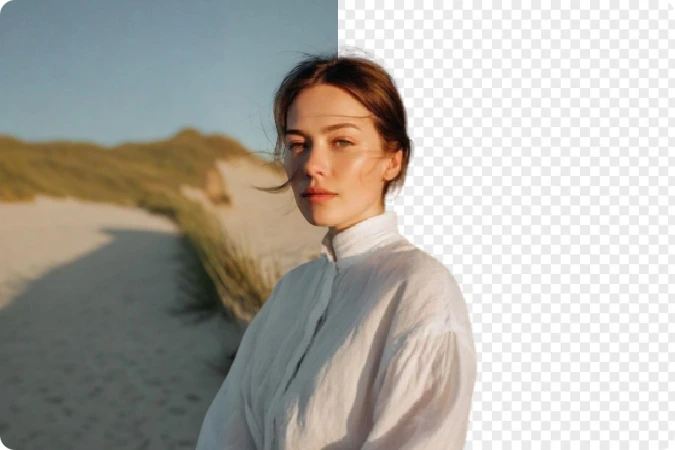
Clear background from portraits, selfies, or group photos with an AI background eraser for profile pictures, social posts, and creative edits.
Use cases2: Cars after
Use cases2: Cars before

Cars

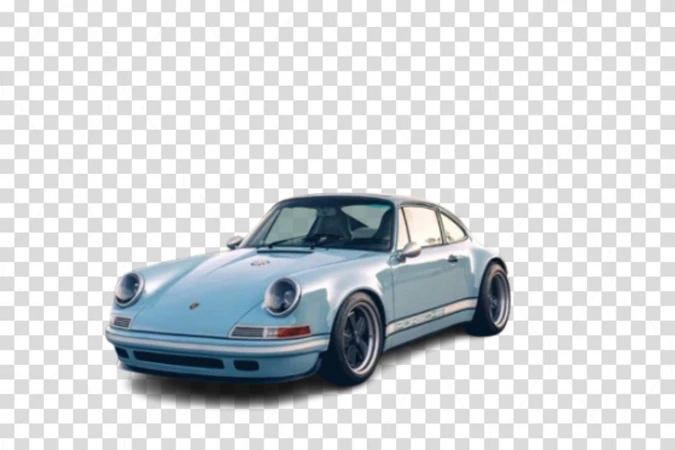
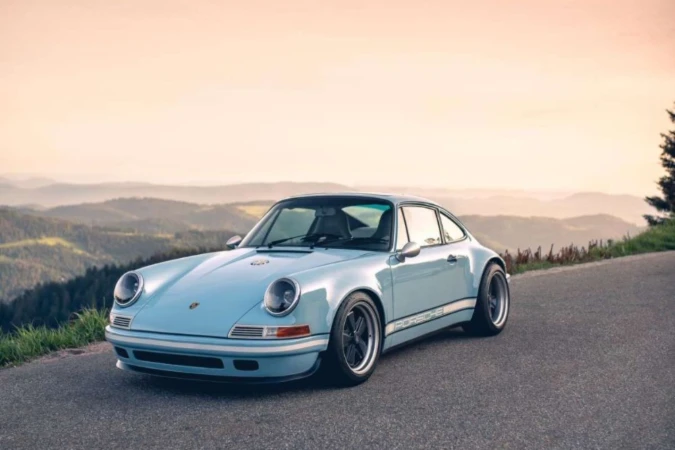
Fast background removal for vehicle photos. Perfect for car listings, dealerships, showrooms, and marketing images with clean, distraction-free backgrounds.
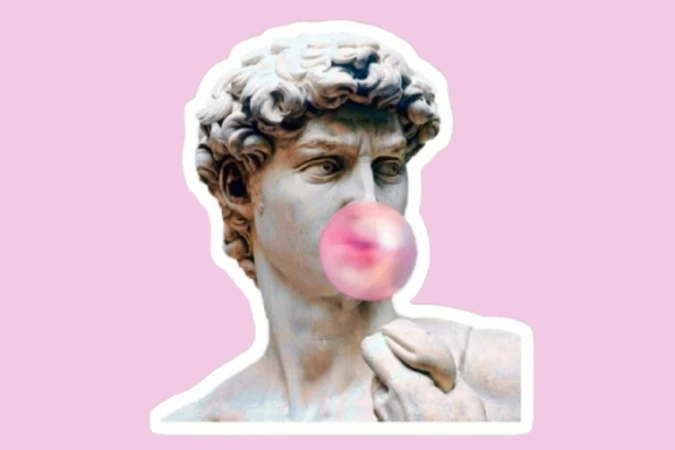
Use cases3: Stickers after
Use cases3: Stickers before

Stickers

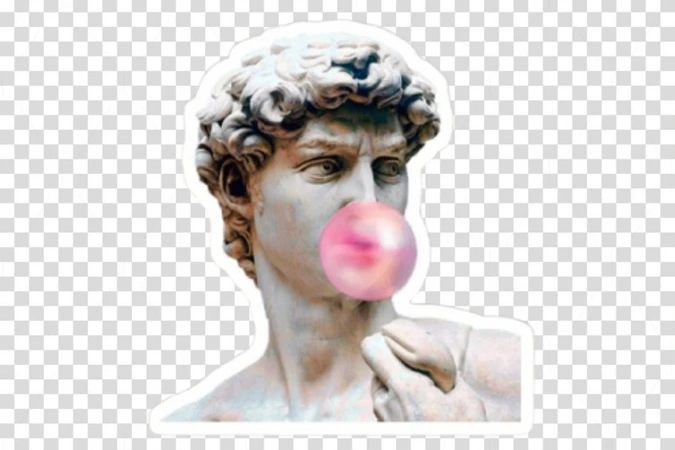
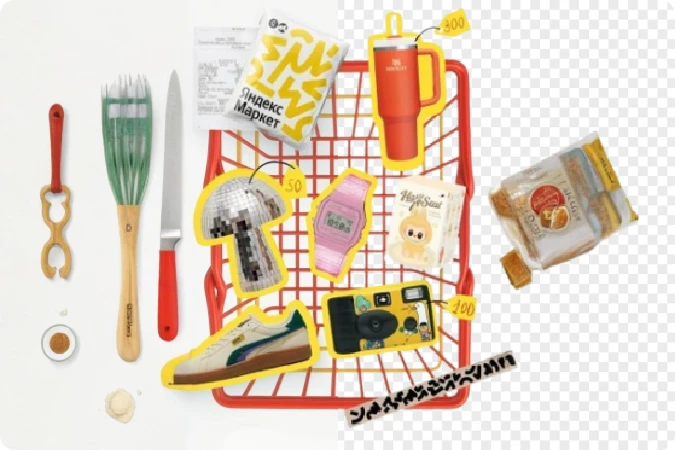
Turn any object or character into a ready-to-use sticker. Instantly remove the background to create PNG stickers for chat apps, social media, and design projects.
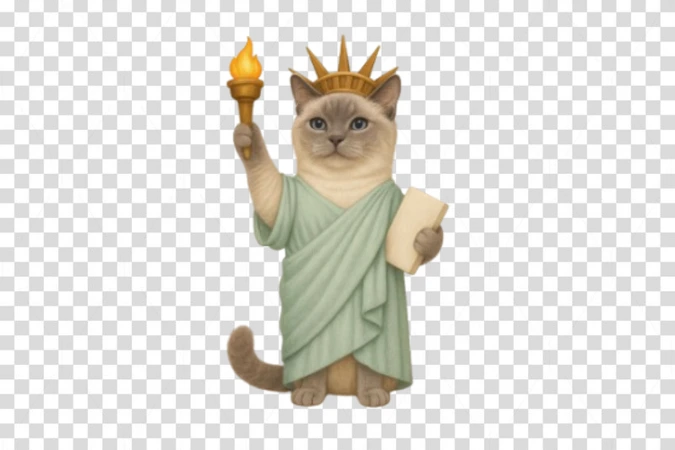
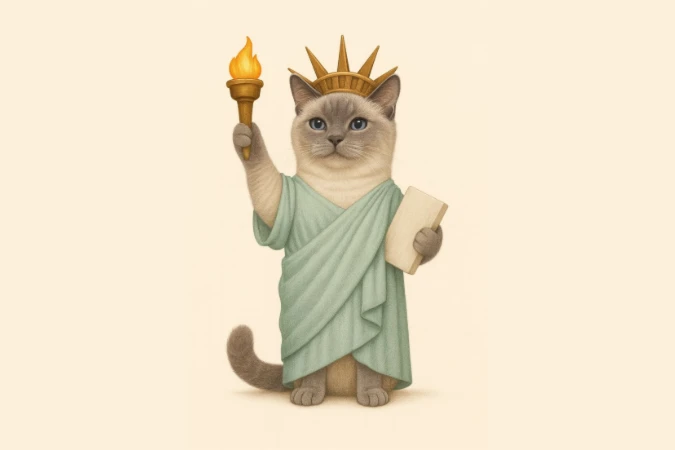
Use cases4: Animal after
Use cases4: Animal before

Animal

Extract pets or wildlife with precision, even around fur. Great for pet shops, ads, social content, or custom artwork where clean subject isolation matters.
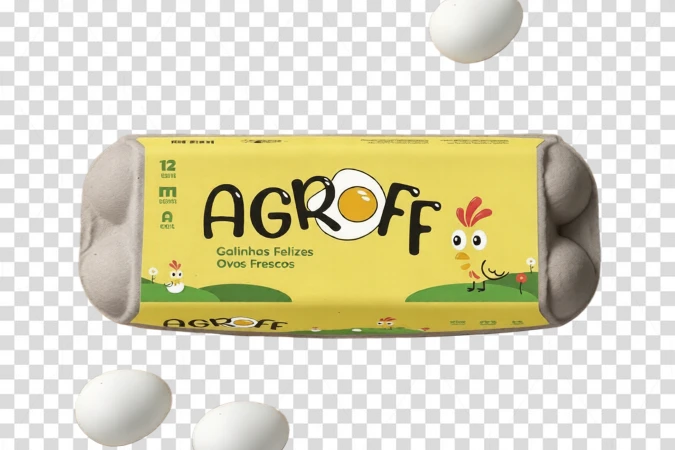
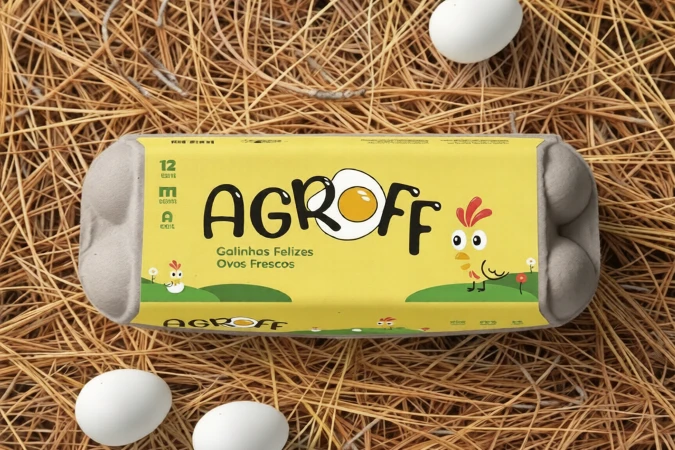
Use cases5: Products after
Use cases5: Products before

Products

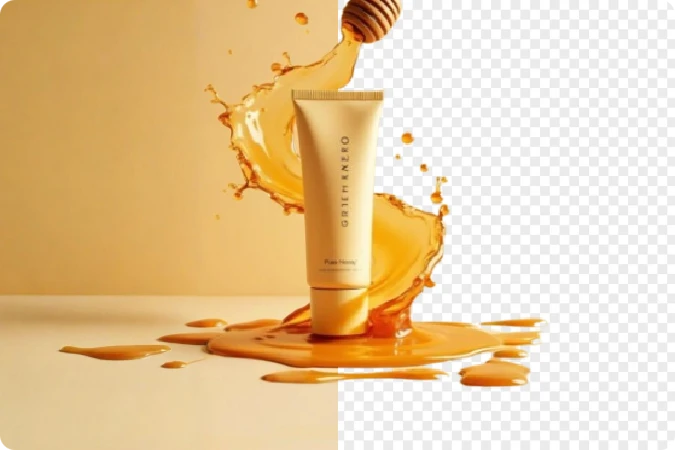
Use delete background AI to create clean, studio-quality product images for e-commerce, ads, catalogs, and social selling instantly.

Use cases6: Logos after
Use cases6: Logos before

Logos

Remove background from logos or icon instantly to create clean transparent files for branding, websites, business cards, presentations, and marketing materials.

Where Clean Design Begins: AI Background Remove

Batch Background Removal for Multiple Images

Remove background from multiple images at once with AI-powered batch processing. Perfect for e-commerce stores, photographers, marketers, and creators who need fast, consistent, high-quality transparent image results without repetitive editing.

Batch Background Removal for Multiple Images

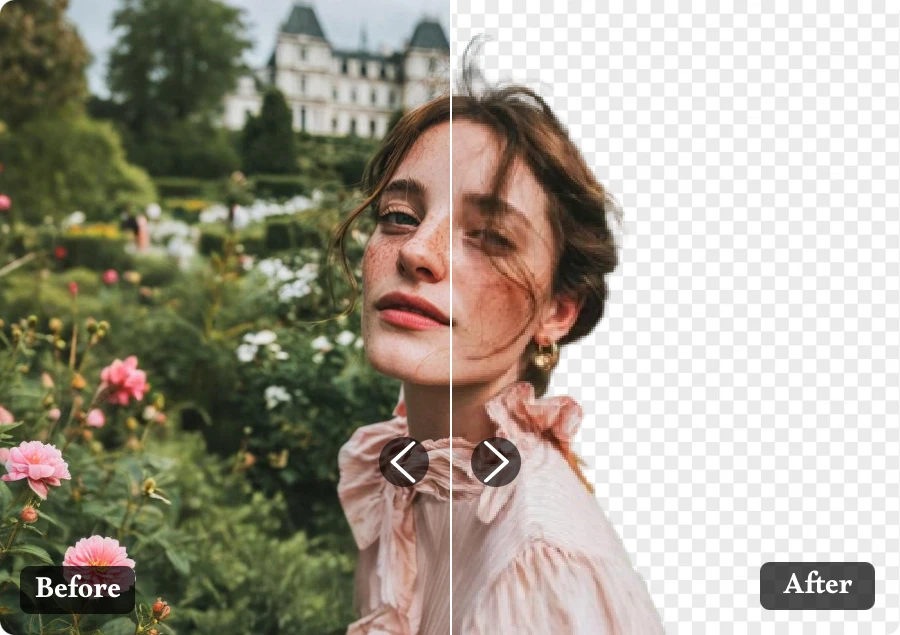
Secure Online Background Remover With Privacy Protection

Use a secure AI background remover online with privacy-focused processing. Upload images safely, erase background free instantly, and create transparent backgrounds without worrying about data leaks, unnecessary storage, or account registration.
Secure Online Background Remover With Privacy Protection

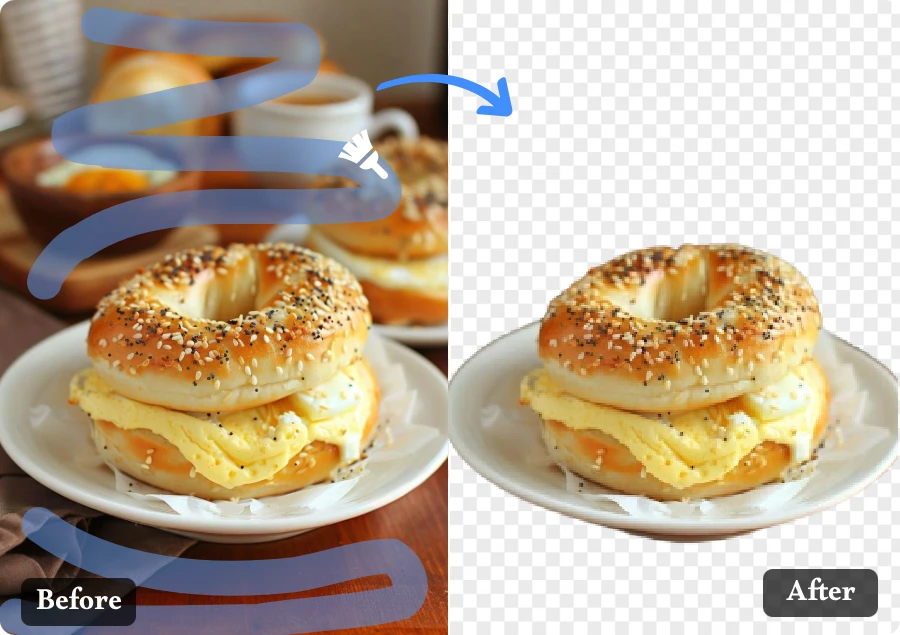
HD Transparent Background Output Without Watermarks

Create HD transparent images with clean edges and no watermarks using advanced AI background removal. Download high-quality PNG results instantly for product photos, social media graphics, marketing materials, and professional design projects.
HD Transparent Background Output Without Watermarks

Why You’ll Love Our Background Remove

Perfect for Any Use

  • From e-commerce to design mockups, the tool adapts to every need, delivering ready-to-use cutouts that fit perfectly in any setting.

No Quality Loss

  • Even high-resolution photos stay crisp. Every pixel remains sharp, delivering studio-ready cutout images every time.

Smart Edge Refinement

  • Forget jagged borders. The intelligent edge engine softens outlines for a natural, professional finish that rivals manual retouching.

AI That Understands Details

  • Hair, shadows, fine edges — the system picks up every subtle element. You get natural-looking background-free images that feel real, not cut out.

Built for Creators and Businesses

  • From photographers to online sellers, everyone can achieve pro-level visuals — the tool turns creative ideas into polished results.

Works with Any Image and Background

  • AI Background Remove supports JPG, PNG, WEBP, and more, handling complex scenes, fine edges, and solid backgrounds with clean, professional results instantly.

Real Stories Behind Every Transparent Image

User Feedback1
"

Last month, I used this AI Background Eraser to make background transparent for a fashion portrait project. It removed backgrounds from dozens of photos quickly and saved hours of manual retouching.
Daniel Kim

User Feedback2
"

Last week, I used this tool to delete background from image files while making custom stickers for my daughter’s school activity class. It quickly removed messy backgrounds and saved me hours of manual editing before printing.
Amira Khan

User Feedback3
"

My product listings look much better now. This background remove tool turns messy photos into clean, polished images, helping boost my shop’s clicks and conversions.

Oliver Chen

Powerful AI Remover Tools in One Place

Image Background Remover

Original

Original

Processed

Processed

Continue Editing

Continue Editing

FAQ

1. Is Background Remove Free to Use?

Yes. We offer 20 free daily uses for basic AI background removal. For higher-quality results, faster processing, increased usage limits, and advanced editing features, you can upgrade to the Pro version anytime.

2. What image formats are supported?

Our AI background remover supports JPG, PNG, WEBP, and other common image formats for fast background removal and transparent image creation.

3. Can I upload multiple images at once?

Yes. You can use our Bulk Background Remover feature to batch remove backgrounds from multiple images by selecting files with Shift/Ctrl and uploading them together.

4. Can I edit images after removing the background?

Yes. After background removal, you can continue editing your transparent image by changing the background, adding a new background, or using blur background effects.

5. Is my image data safe and private?

Yes. We strictly protect user privacy and data security. Uploaded images are regularly cleaned from our servers and will not be permanently stored or shared.

6. What is the output image quality like?

All processed images are exported in HD quality without watermarks. You can freely use transparent background images for personal projects, design work, e-commerce, marketing, and creative content.

Get a Clean Background with Background Remove

With effortless Background Remove and stunning transparent image, creativity becomes simple, fast, and beautifully intuitive.