logo

Free Blur Background Tool Online

Make your subject pop—effortlessly blur background of photo and elevate every photo like a pro!

or drop a file

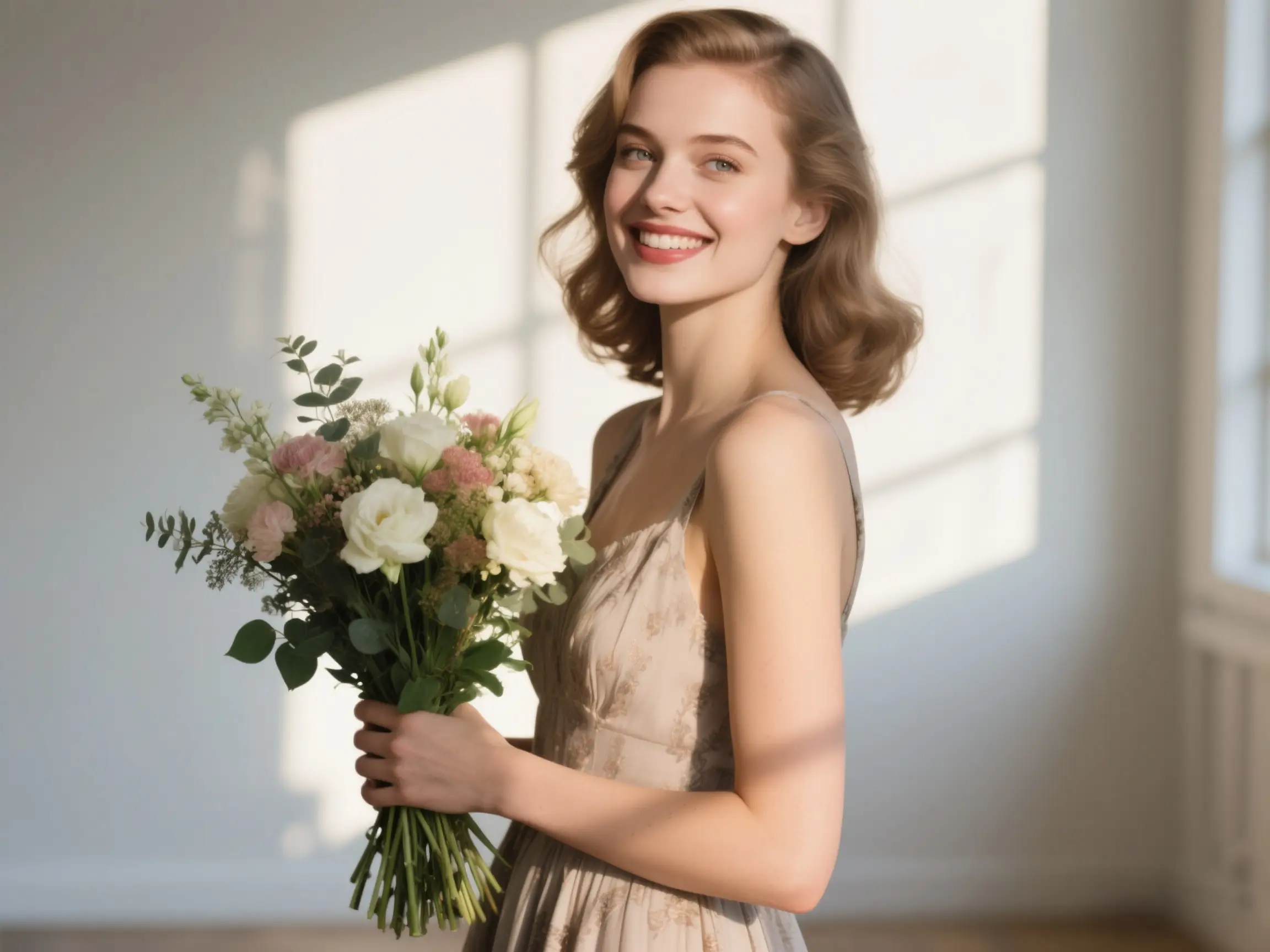
No image? Try one of these:
example image
example image
example image
example image
blur-background-example

3 Easy Steps to Blur Background Like a Pro

Upload your image.

1. Upload your image.

Choose any photo you love and upload it in one click — fast, simple, and ready for magic.
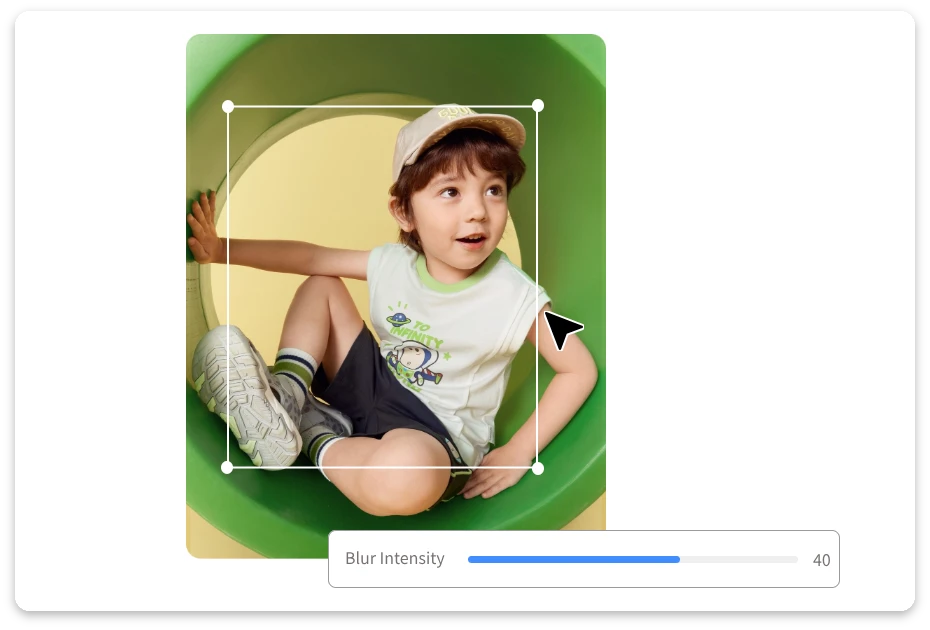
Adjust the Blur Level.

2. Adjust the Blur Level.

Use the slider to fine-tune the perfect amount of background blur. Light, soft, or dramatic — you’re in control.
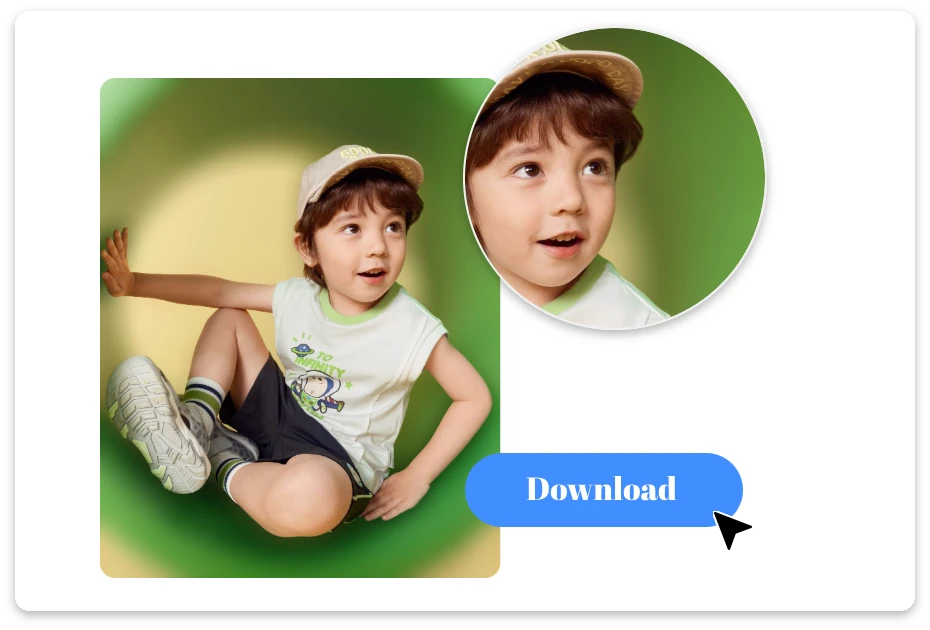
Save your polished photo instantly and share it anywhere you like. Clean, clear, and beautifully blurred.

3. Download & Share.

Fine-tune the details, add extra flair, then download your refreshed image. Share it anywhere or keep editing until it’s picture-perfect.

Softened Backgrounds, Sharper Stories

Focus on What Matters, Blur the Rest

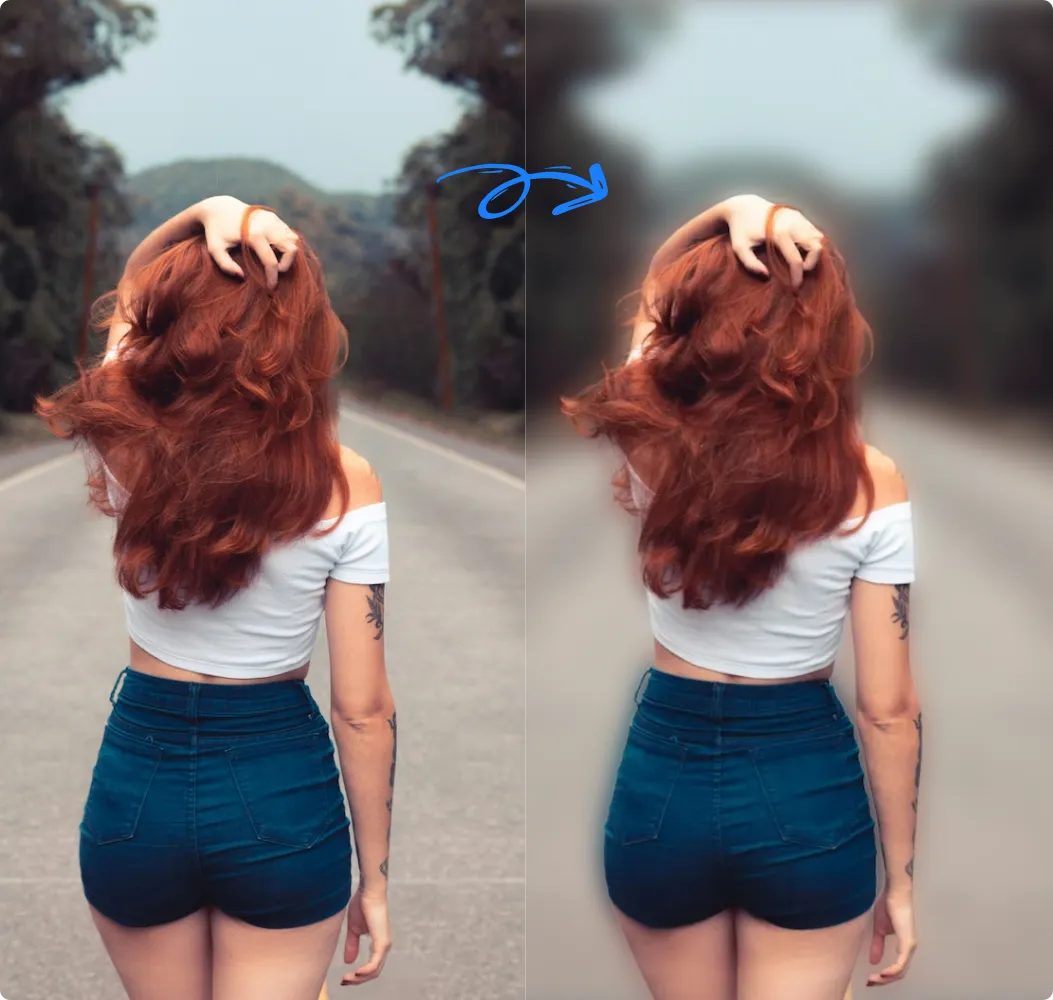
Tired of cluttered backgrounds? Our blur background tool instantly draws attention to your subject while keeping everything else softly out of focus. Whether a busy street, messy room, or casual selfie, you can blur photo background effortlessly for a polished, professional look every time.
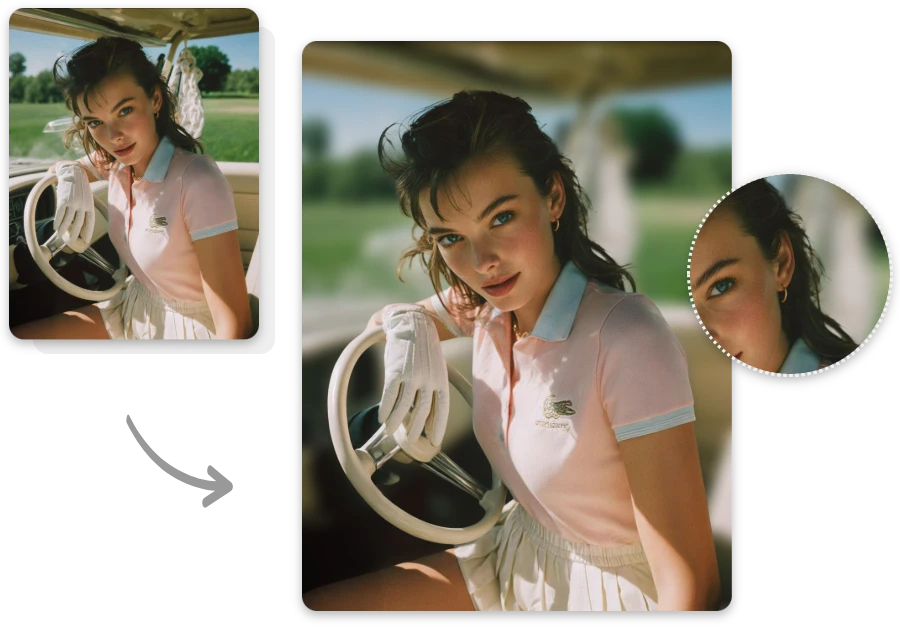
Focus on What Matters, Blur the Rest

Privacy Meets Style in Every Snap

Keep focus where it matters while protecting the rest! Our photo background blur maker feature hides cluttered or sensitive areas without losing the essence of your shot. From headshots to casual snaps, you can blur picture background for privacy, style, and clarity — smart, seamless, and professional.
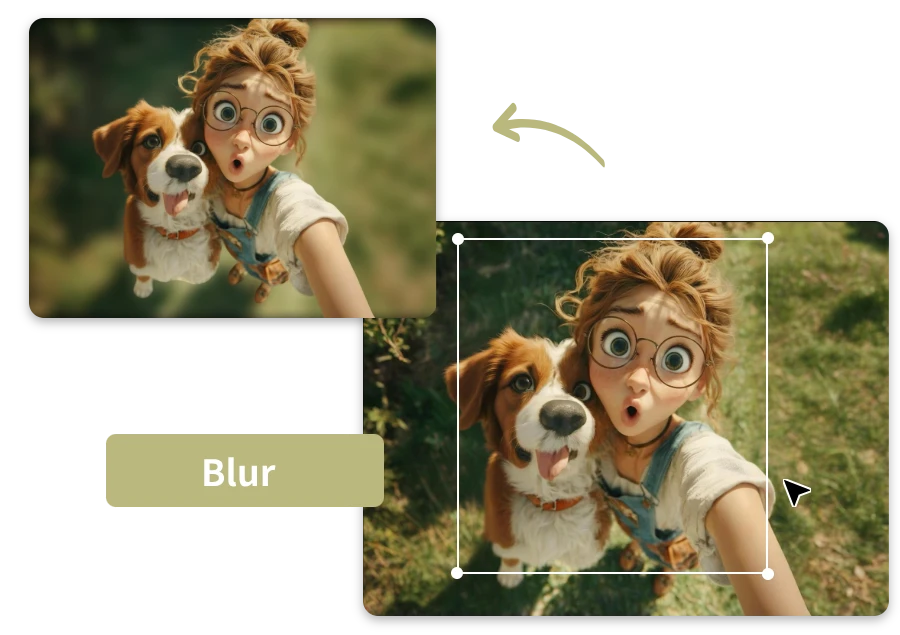
Privacy Meets Style in Every Snap

Hide the Clutter, Highlight Your Style

Messy backgrounds? No problem! With our AI tool, distractions are masked while photos stay stylish and clean. From busy rooms to outdoor chaos, you can blur picture background effortlessly, letting your subject—and your vibe—take center stage, stress-free and polished.
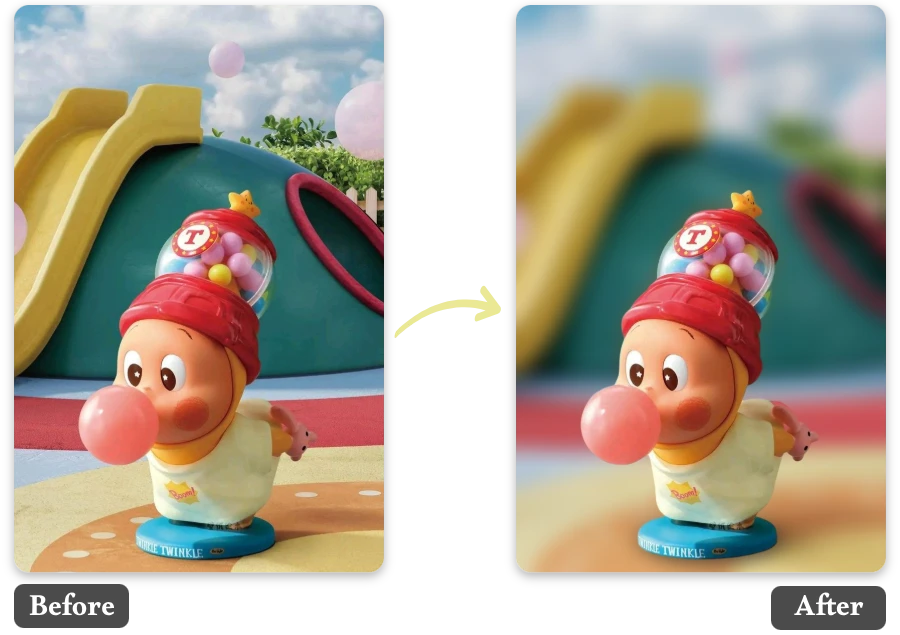
Hide the Clutter, Highlight Your Style

6 Reasons You’ll Love Our Blur Background Free

Instant Focus on Your Subject

  • Make any person or object pop effortlessly while the background softly fades away, perfect for portraits and snapshots.

Smooth, Natural Blur Effects

  • The background blur looks realistic and seamless, never harsh, preserving your photo’s natural charm.

Customizable Blur Intensity

  • Adjust the blur strength to match your vision, from subtle softening to full dreamy bokeh effects.

Protects Privacy in Style

  • Blur sensitive or distracting areas without losing subject clarity, keeping your photos polished and safe.

One-Click Simplicity

  • No complex tools or edits — just upload, apply, and enjoy a professional-looking blurred background instantly.

Export Without Watermarks

  • Download your final photo watermark-free, ready to share, print, or post anywhere confidently.

Perfect Moments for Free Blur Background Tool

Portrait Photography

Enhance your portraits by softly blurring distracting surroundings, making the subject pop and giving every face a professional touch.
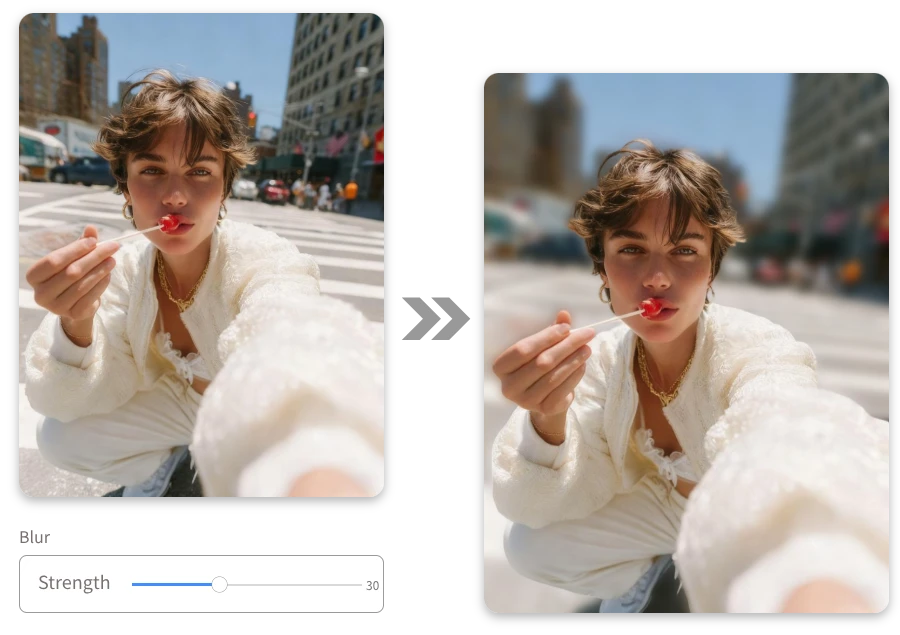
Portrait Photography

Product Photography

Highlight products effortlessly by keeping them sharp while subtly blurring the background, perfect for e-commerce or promotional content.
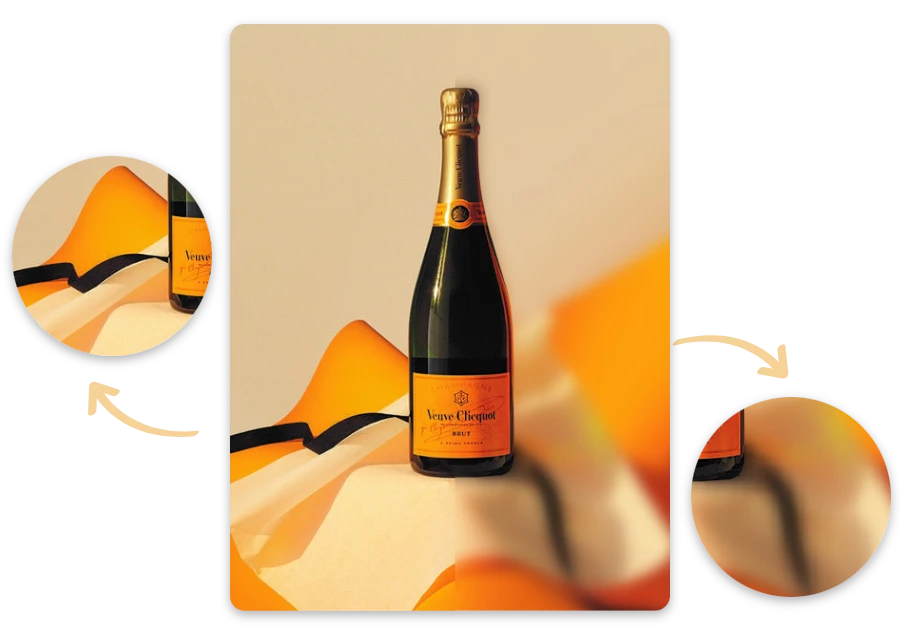
Product Photography

Video Thumbnails

Make thumbnails more appealing by blurring backgrounds, drawing viewers’ attention directly to the subject of your video.
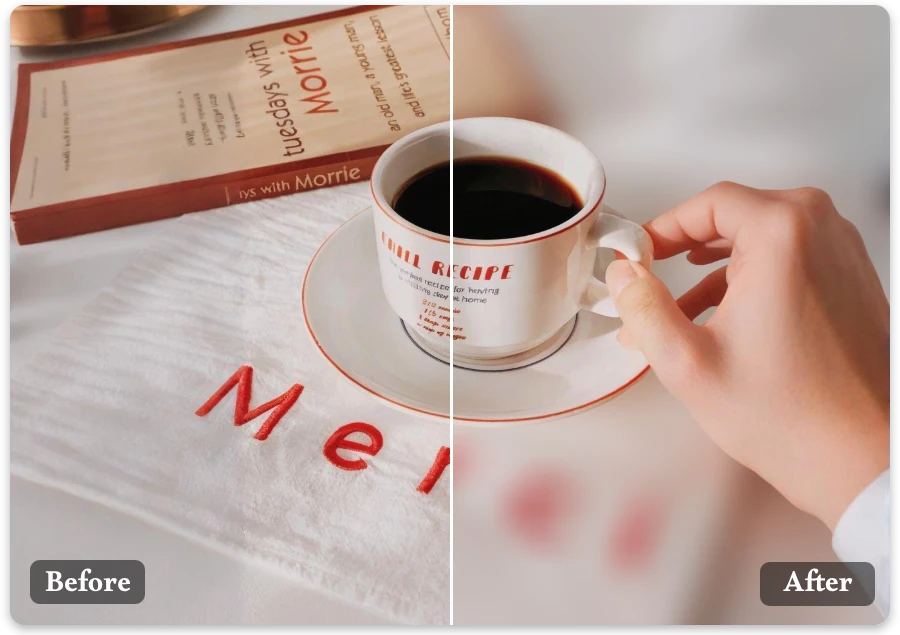
Video Thumbnails

Privacy Protection

Blur sensitive surroundings in photos shared online, preserving privacy without compromising style or visual appeal.
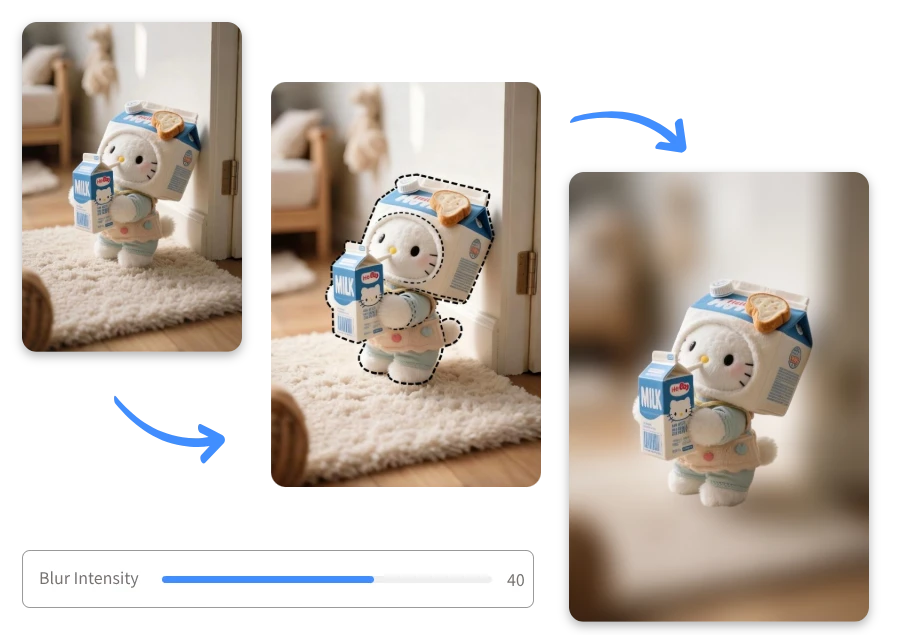
Privacy Protection

Real Impressions Behind Every Replaced Background

"

With blur background of photo, I could finally hide the messy living room in my family photos. The blur photo background tool worked perfectly, keeping our smiles sharp and backgrounds elegantly softened.

Ryan Patel

"

As a small business owner, I needed product photos that stand out. This tool allowed me to blur picture background effortlessly, making my products the clear focus for my online store.

Lucas Turner

"

Capturing candid moments at parties is always messy, but the Blur Background saved my photos. The photo background blur maker was smooth, realistic, and instantly turned chaotic snapshots into keepsakes.

Lena Harper

FAQ

1.Can I blur the entire background automatically?
Yes — our AI blur background tool intelligently detects your subject, then applies a natural blur to the rest of the image in just one click.
2.Is there a watermark on blurred photos?
No — every photo you edit with our Blur Background is completely watermark-free. You can freely download, share, or use your blurred photos anywhere without any restrictions, fully enjoying high-quality results for free.
3.How do I change the strength of the blur?
After the auto blur, you can use a slider to increase or decrease blur intensity, giving you full control over how soft or dramatic the background looks.
4.Can I choose where the focus is?
Yes — with our brush tool, you can redefine the focus point. Once selected, the background blur maker will dynamically adjust so that your chosen subject stays crisp.
5. Can I blur only part of a photo, like a face or text?
Yes — you can manually brush over specific parts (e.g., faces, text) to apply local blur, without affecting the rest of the image.
6. What if the AI misidentifies the subject?
No worries — you can manually reselect or brush your subject, and the blur photo background tool will recalculate the blur based on your corrections.

Blur Picture Background Today

Effortless, AI-powered, and completely free, Background Blur is your go-to tool to highlight subjects, soften distractions, and make every photo truly shine.